
Introducing the laravel-debugbar debug tool for Laravel.
It works with both Laravel 5.1 and 5.2.
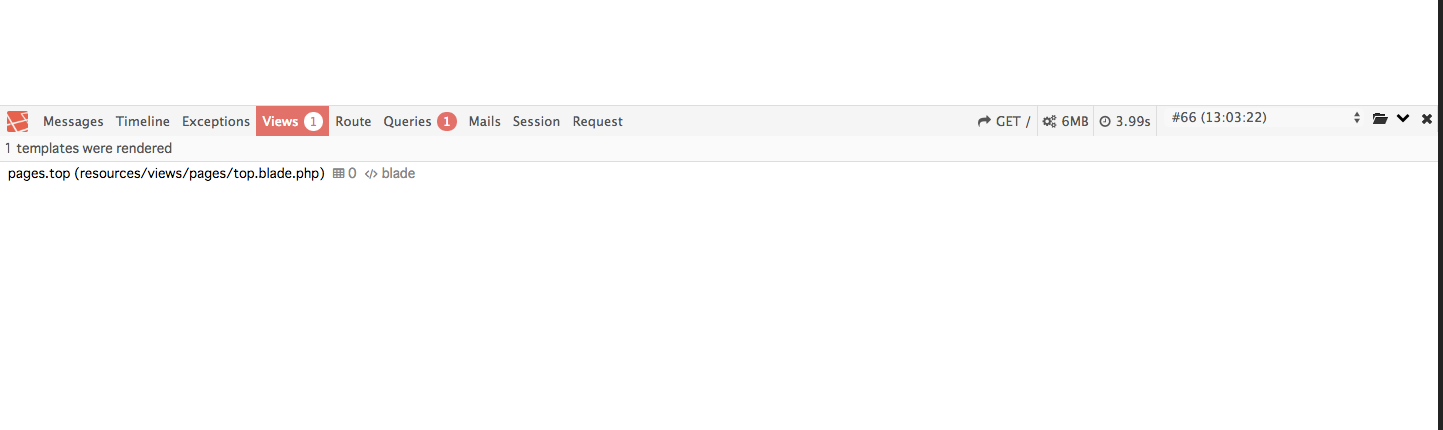
Installing laravel-debugbar with composer
composer require barryvdh/laravel-debugbar --dev
then
composer install
Enabling with facade
While you can use it as a debug tool just by installing, it's convenient to enable it with a facade for more detailed debugging.
Specify the following in the provider and alias sections of app.php respectively.
- Barryvdh\Debugbar\ServiceProvider
- 'Debugbar' => Barryvdh\Debugbar\Facade::class
Trying it out
\Debugbar::error();
\Debugbar::disable();
Debugbar::startMeasure();
Debugbar::stopMeasure();
And many more.
Thoughts
It's very convenient (゜レ゜)