
Introducing Bookstacks — An iPhone Bookshelf App with ISBN Barcode Scanning
Why I Built It
I wanted an easy way to manage the physical books on my shelves — to answer questions like "Do I already own this one?" when browsing a bookshop, or "Have I finished reading this?" without having to think too hard.
So I built a book management app focused on one experience: scan a barcode and the rest takes care of itself.
It uses ISBN barcodes to fetch metadata automatically, checks for duplicates, organises books with labels, and lets you record notes about each book.
The app is on the App Store — give it a try.
Use Cases
- Duplicate check — Scan a book in the shop to see whether you already own it before buying
- Tsundoku management — Tag unread books with "Tsundoku" and pick the next one from the list
- Reading log — Mark finished books as "Read" to keep your shelves organised
- Wish list — Collect candidates under a "Want to Buy" label
Key Features
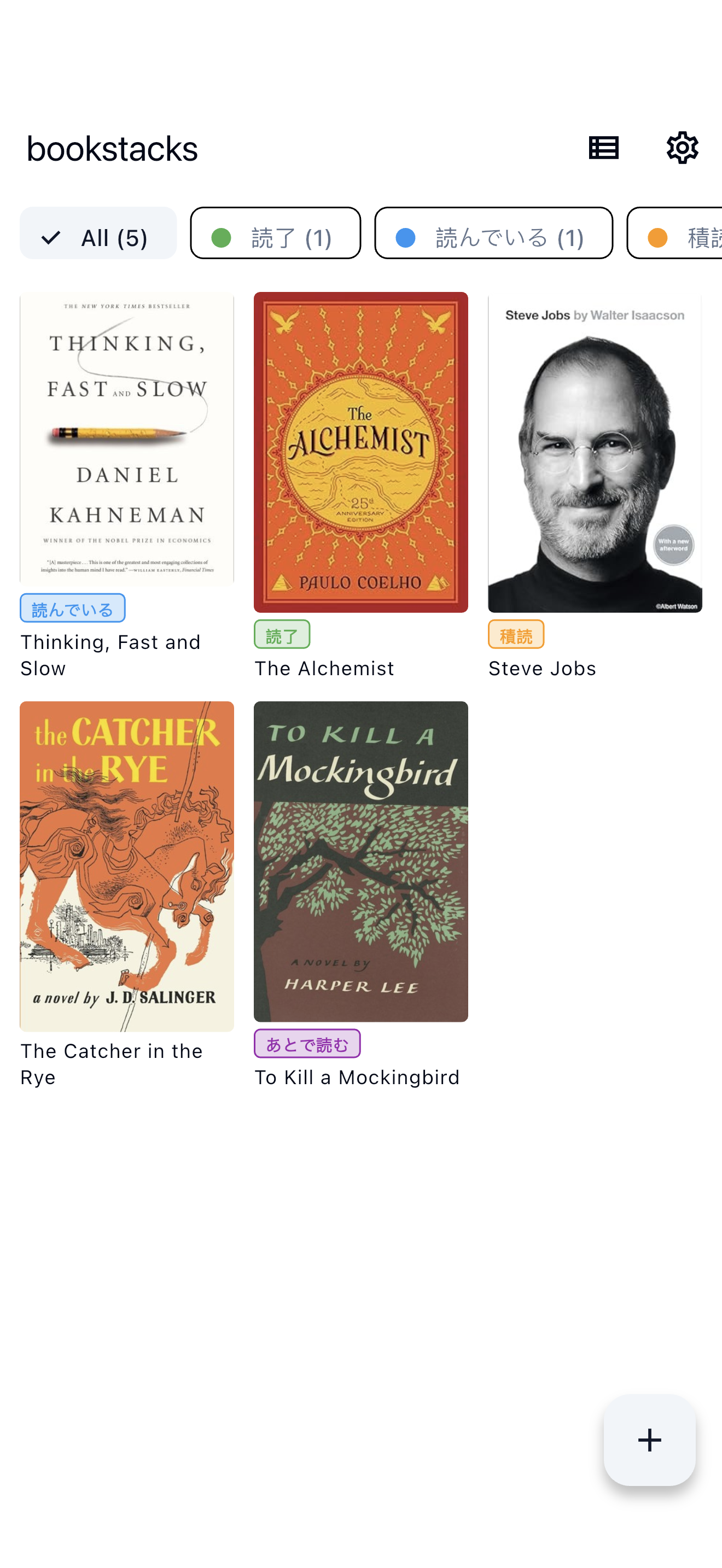
Register Books by Barcode
Scanning an ISBN barcode fetches title, author, category, and cover image automatically from openBD (a book data API used with permission). The app accepts both ISBN-13 (978/979 prefix) and ISBN-10. If a book with the same ISBN already exists, the app detects the duplicate and blocks re-registration.
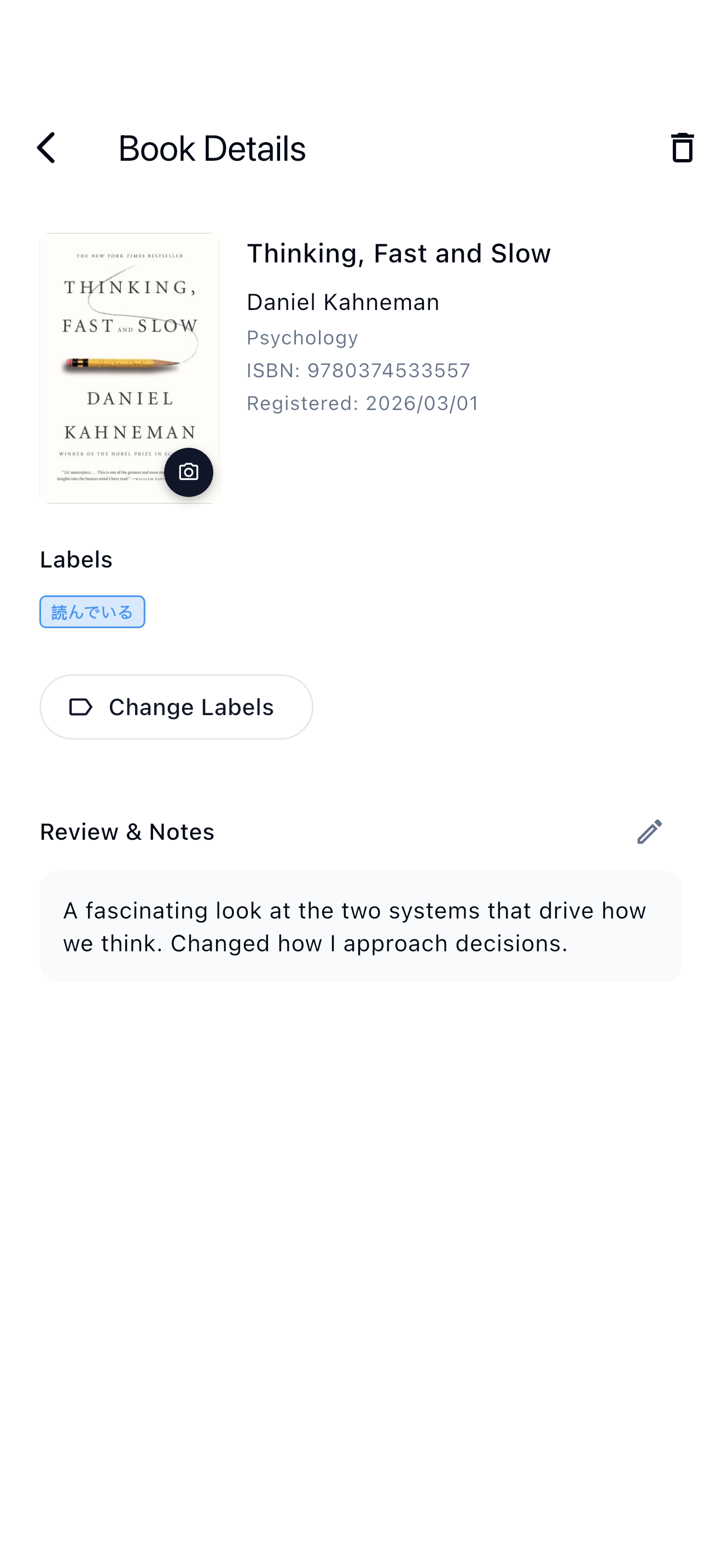
Organise with Labels
Five preset labels ship with the app: "Read", "Reading", "Tsundoku", "Read Later", and "Want to Buy". Users can create custom labels with any name. Tapping a label chip filters the list instantly.
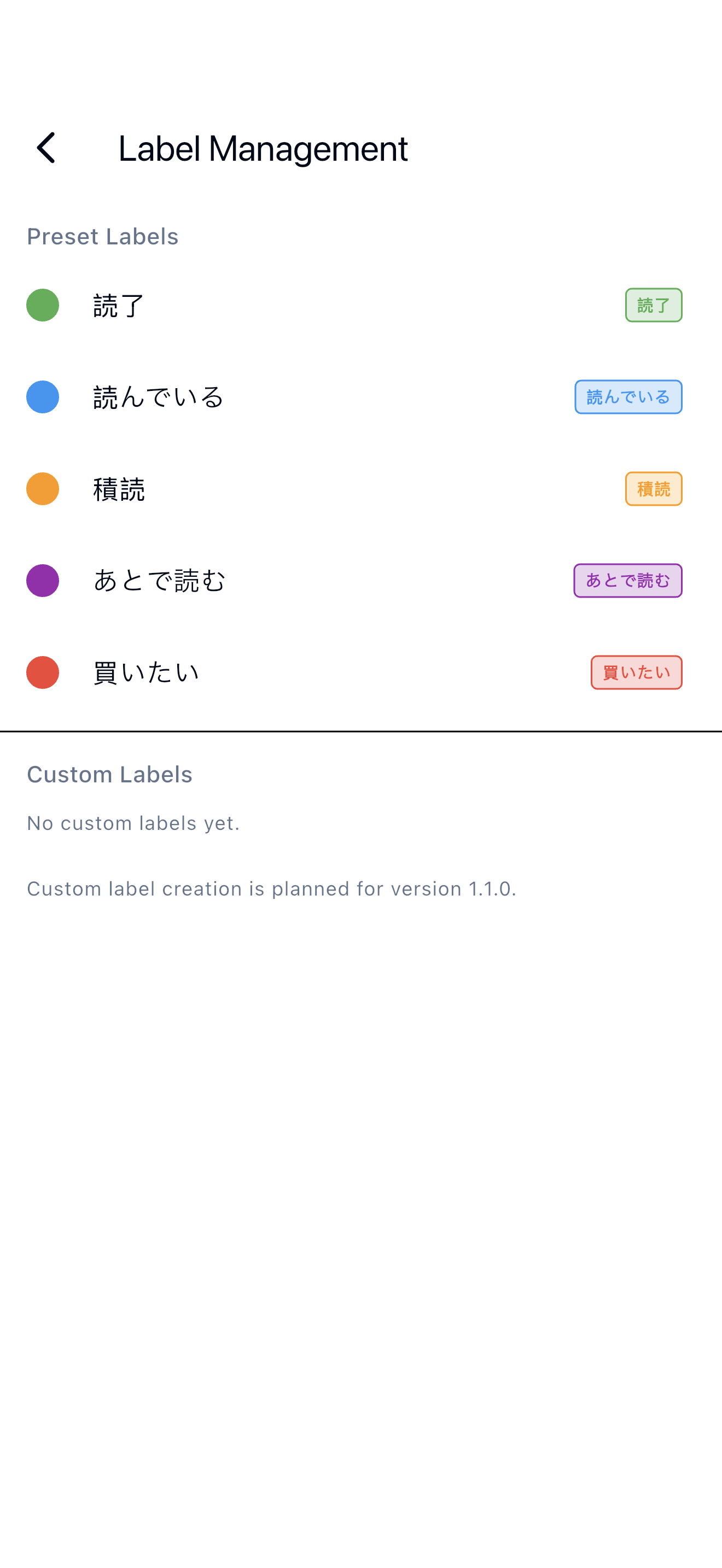
Bookshelf View — Grid and List
Books appear in a three-column grid with cover images by default. A toggle switches to a list view for denser browsing.
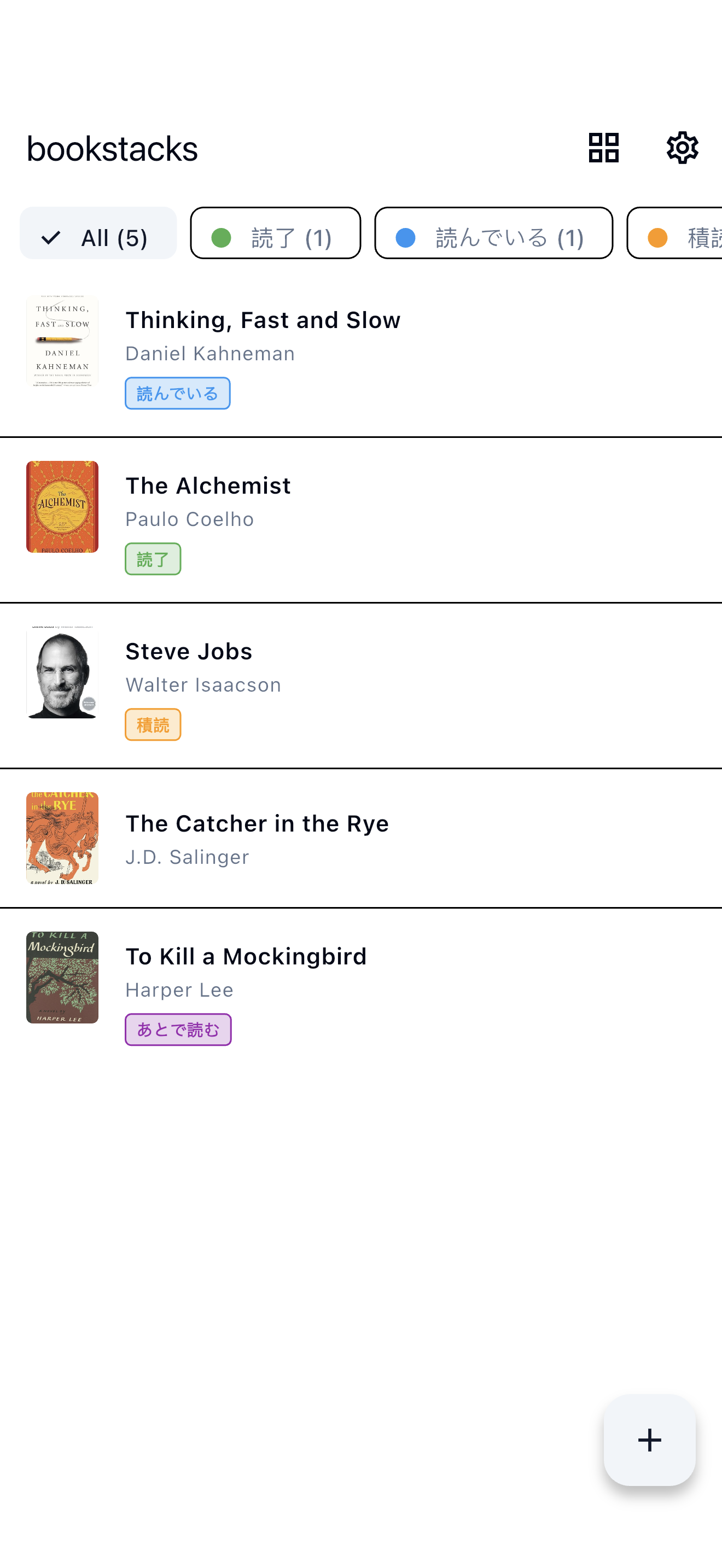
Settings
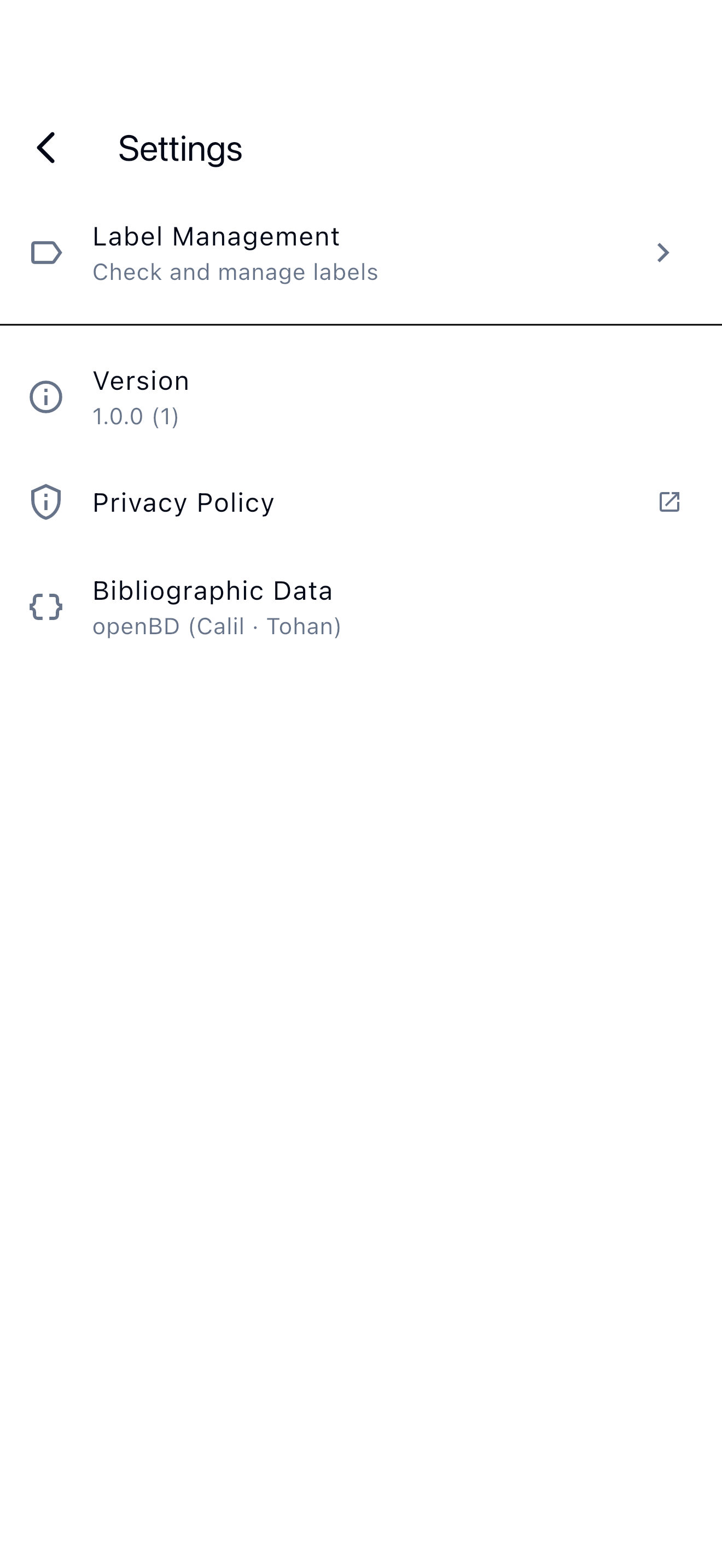
The settings screen provides label management, version info, privacy policy, and bibliographic data provider details. The theme follows the system setting automatically.
Tech Stack
| Layer | Technology |
|---|---|
| UI | Flutter (iOS) |
| State management / DI | Riverpod + riverpod_generator |
| Persistence | Hive |
| Barcode scanning | mobile_scanner |
| Book metadata | openBD (http) |
| Image caching | cached_network_image |
| Testing | flutter_test / mocktail |
The app uses a four-layer Clean Architecture: Domain, Application, Infrastructure, and Presentation. Riverpod handles dependency injection and state management. Hive stores all data locally, so the app runs fully offline once the book data is in the local store.
How ISBN Scanning and Book Registration Work
The registration flow from scan to persistence involves four steps.
-
Scan — The scanner reads the barcode. Only ISBN-13 (978/979 prefix, 13 digits) and ISBN-10 (10 digits) pass through; all other formats get discarded.
-
Metadata fetch — The app calls openBD. The response is a JSON array; the first element is either a book object or
null(not found). The app extracts title, author, category, and cover image URL. -
Duplicate check — The confirm screen checks whether a book with the same ISBN already exists. On a match, the app disables the register button and alerts the user.
-
Persist — The use case writes the validated book entity to Hive. The app then reloads the list and redraws the bookshelf grid.
Summary
Bookstacks is an app I built to make managing a book collection as frictionless as possible. Scanning a barcode to register a book is something I find genuinely useful in everyday use.
Feel free to download it.
- App Store: Bookstacks




