
I was thinking of developing a tag feature from scratch, but I found many convenient React Components, so I decided to use them.
Environment
- React
- Babel
- Browserify
- React Tag Autocomplete
- npm
Introduction
Install React Tag Autocomplete using npm.
npm install --save react-tag-autocomplete
There are various ways to include it, but in this environment, we will use require.
var ReactTags = require('react-tag-autocomplete');
Now we are ready.
Implementation
// Various parts omitted
<div id="react-tag-autocomplete"></div>
There is a Usage section on github, but let's consider a case where we modify it a bit to fetch data by hitting an API. (Here, we use superagent.)
The API returns a JSON response like this:
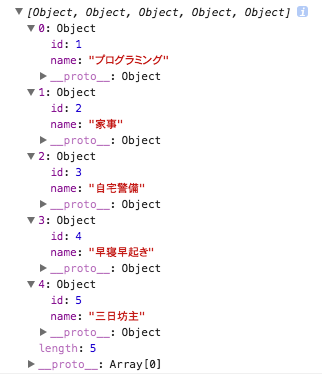
[{"id":1,"name":"Programming"},{"id":2,"name":"Housework"},{"id":3,"name":"Home Security"},{"id":4,"name":"Early to Bed, Early to Rise"},{"id":5,"name":"Three-Day Monk"}]
Debugging res.body.skills
var ReactTags = require('react-tag-autocomplete');
var App = React.createClass({
getInitialState: function () {
return {
tags: [],
suggestions: []
}
},
componentDidMount: function () {
request
.get('/api/v1/user/config')
.end(function(err, res){
if (err) {
alert('Communication error. Please reload.');
}
this.setState({
suggestions: res.body.skills
});
}.bind(this));
},
handleDelete: function (i) {
var tags = this.state.tags
tags.splice(i, 1)
this.setState({ tags: tags })
},
handleAddition: function (tag) {
var tags = this.state.tags
tags.push(tag)
this.setState({ tags: tags })
},
render: function () {
return (
<ReactTags
tags={this.state.tags}
suggestions={this.state.suggestions}
handleDelete={this.handleDelete}
handleAddition={this.handleAddition} />
)
}
})
ReactDOM.render(
<App />,
document.getElementById('react-tag-autocomplete')
);
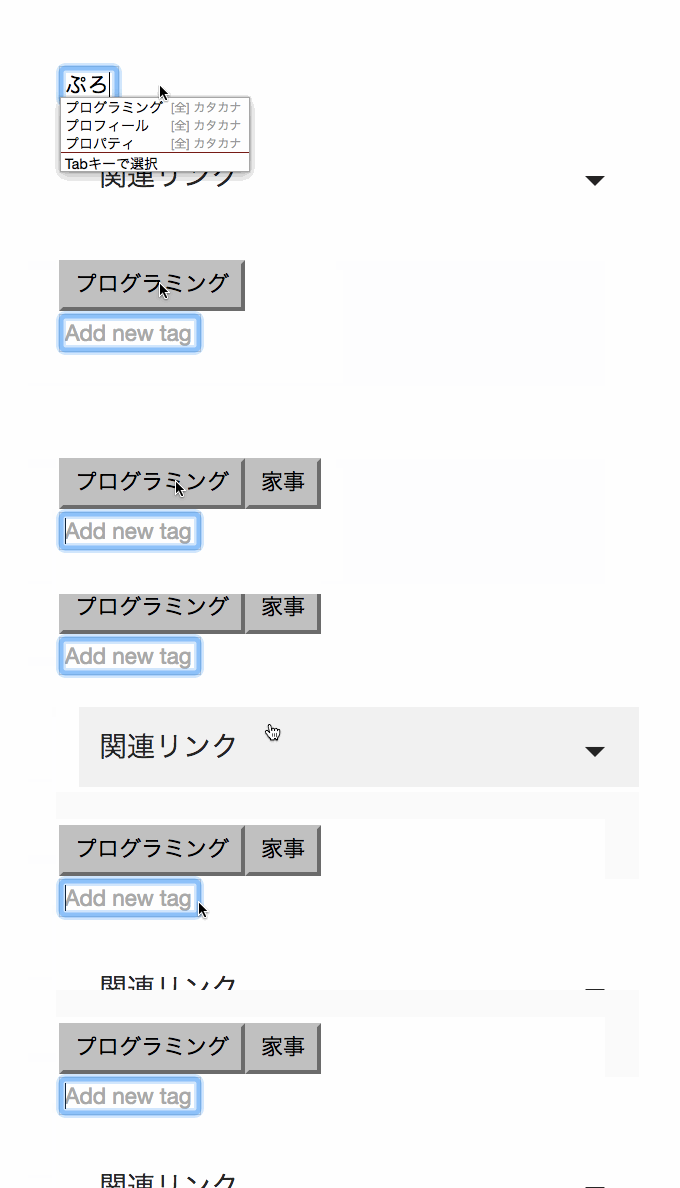
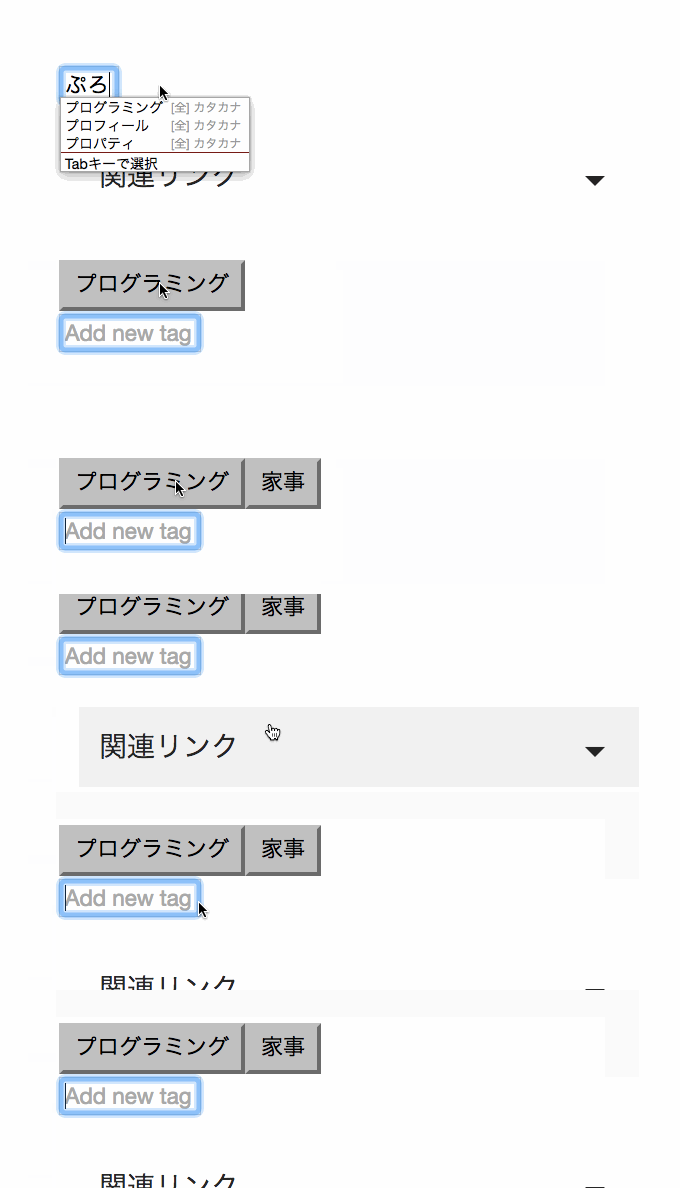
Operation check (there are some unnecessary things shown...)
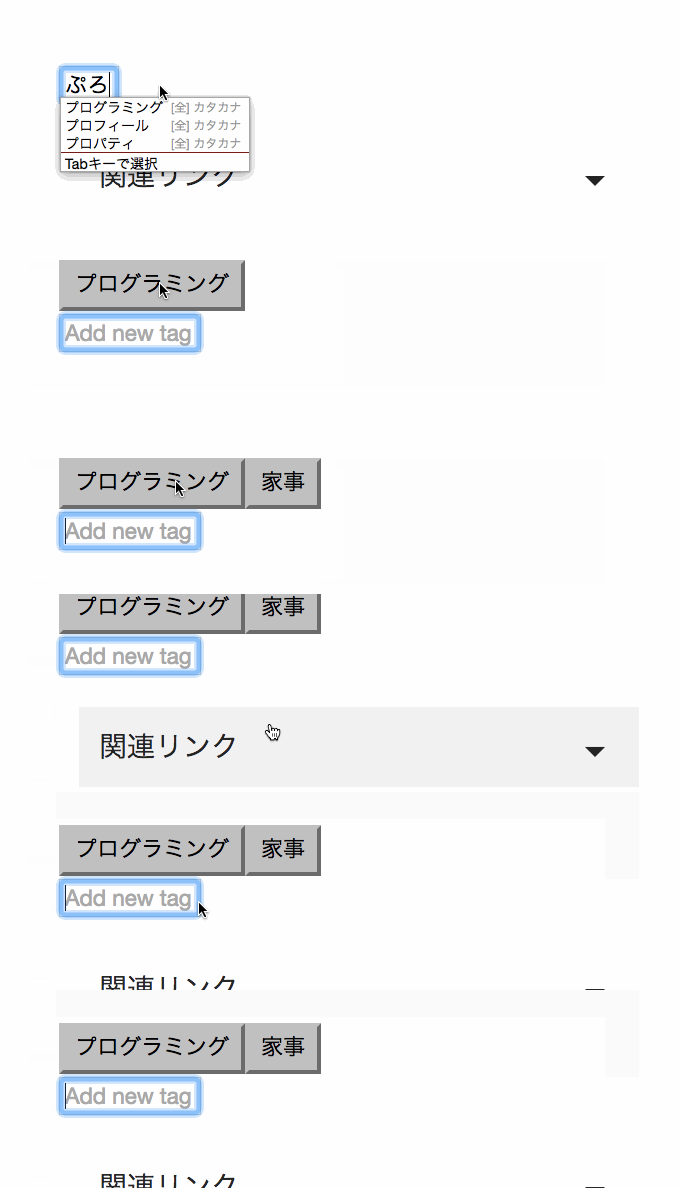
The CSS is not set, so it looks quite plain lol
Other options and CSS class names are clearly stated on github.
Impressions
It's such a convenient era.ヽ(´ー`)ノ




