
Makuake Advent Calendar 2022の記事の7日目です!
Overview
This post discusses how to create your own Technology Radar.
What is Technology Radar?
Technology Radar is an analysis report on technology trends in software development published by ThoughtWorks (a company that operates globally in software development and consulting, where Martin Fowler is a member).
The report is updated about twice a year and provides insights into technology trends.
You can also view the Archive.
Technology Radar consists of the following four quadrants:
- Techniques
- e.g., design, development processes, etc.
- Tools
- e.g., databases, version control systems, etc.
- Platforms
- e.g., development environments, cloud platforms, etc.
- Languages and Frameworks
- e.g., programming languages, application frameworks, etc.
Each quadrant is classified into the following four rings:
- Hold
- Caution. Handle with care. Needs investigation.
- Trial
- Worth adopting. In testing phase.
- Assess
- Worth investigating at a cost to determine its value.
- Adopt
- Strongly feel it should be adopted.
On the www.thoughtworks.com/radar site, you can also see evaluation comments and the history of shifts (movement between rings) for each technology.
Creating My Own Technology Radar
There is a method available for creating your own Technology Radar, making it easy to do so.
I will introduce a couple of methods.
Creating on radar.thoughtworks.com
You can generate it by entering a Google Spreadsheet link on radar.thoughtworks.com.
Be careful as it will become public if generated this way.
Self-hosting Method
You can also self-host the Radar by using the repository at github.com - thoughtworks/build-your-own-radar.
A Docker image is also available, so I will introduce a method to try it using the Docker image.
Clone the Sample Repository
You can fork or clone the original repository, but I have prepared a repository for easier testing.
github.com - bmf-san/technology-radar-boilerplate
1. Clone the Repository
Clone github.com - bmf-san/technology-radar-boilerplate
2. Start the Container
make run
3. Generate the Radar
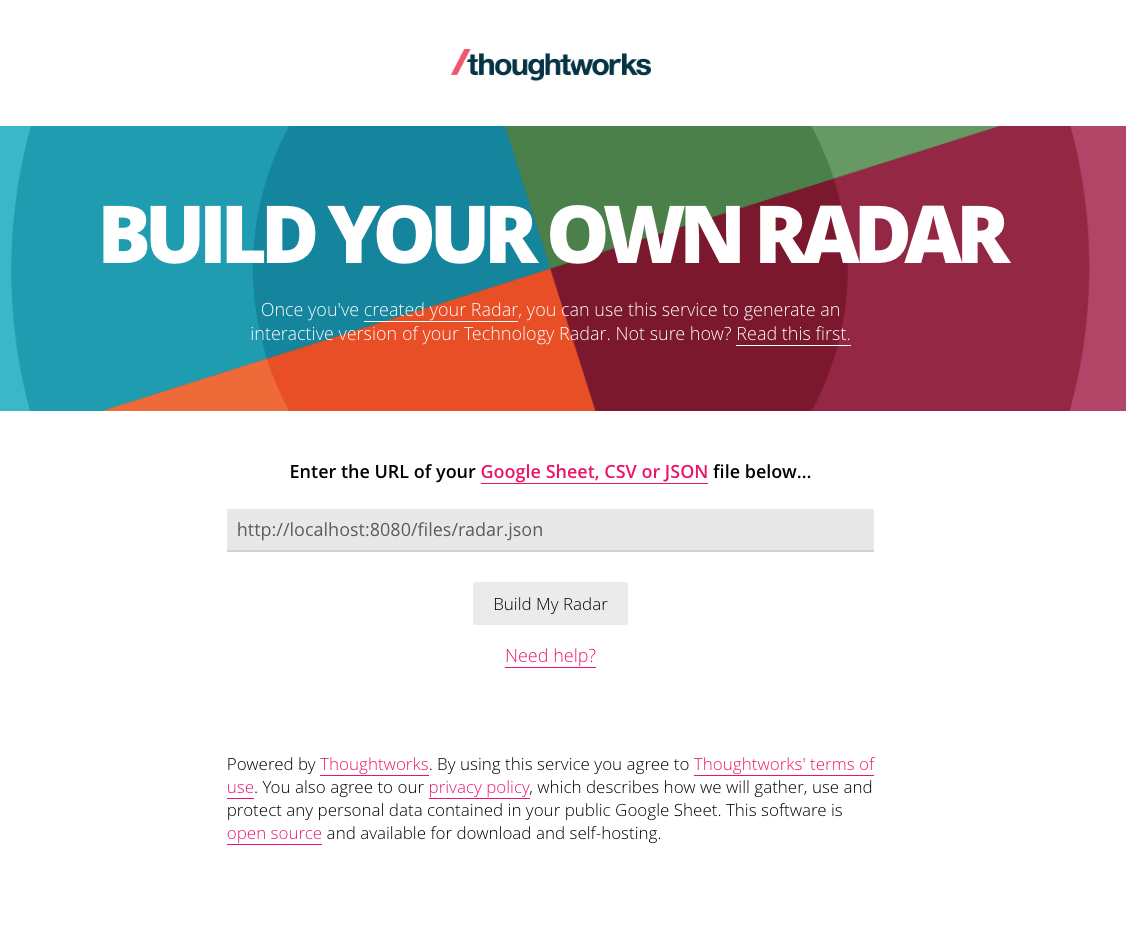
Access http://localhost:8080, input http://localhost:8080/files/radar.json, and press Build My Radar.
4. Play with the Generated Radar. Modify the Radar.
Once the Radar is generated, you will be redirected to a link like this:
http://localhost:8080/?sheetId=http%3A%2F%2Flocalhost%3A8080%2Ffiles%2Fradar.json
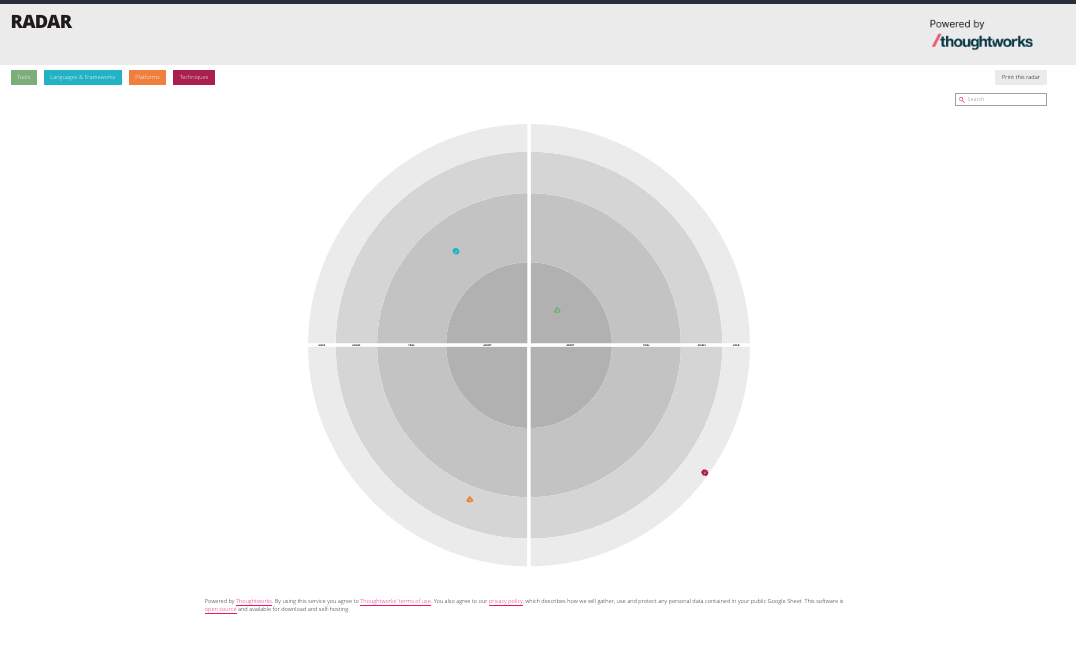
You can adjust the content displayed on the Radar by editing ./files/radar.json.
(Originally, I wanted to provision the JSON file, but it seemed difficult due to the frontend build constraints...)
You can also print the Radar from the top right Print this radar.
Thoughts
Creating such a Radar to publicly share the technology stack and validated technologies adopted by an organization or team seems like a good initiative. It can be useful for defining the reasons for technology selection and the selection/evaluation process, as well as clarifying what to invest in as a technology portfolio.
As mentioned in www.oreilly.co.jp - Fundamentals of Software Architecture, I also feel that creating such a Radar as an individual and updating it regularly would be a good endeavor. Mapping the technologies I follow might make me realize how narrow my perspective is...