
Overview
I had the opportunity to present using StreamYard, so I made a note of the process.
This guide summarizes the steps to display the Keynote presenter view while sharing only the current slide in StreamYard.
Requirements
You need two displays.
Steps
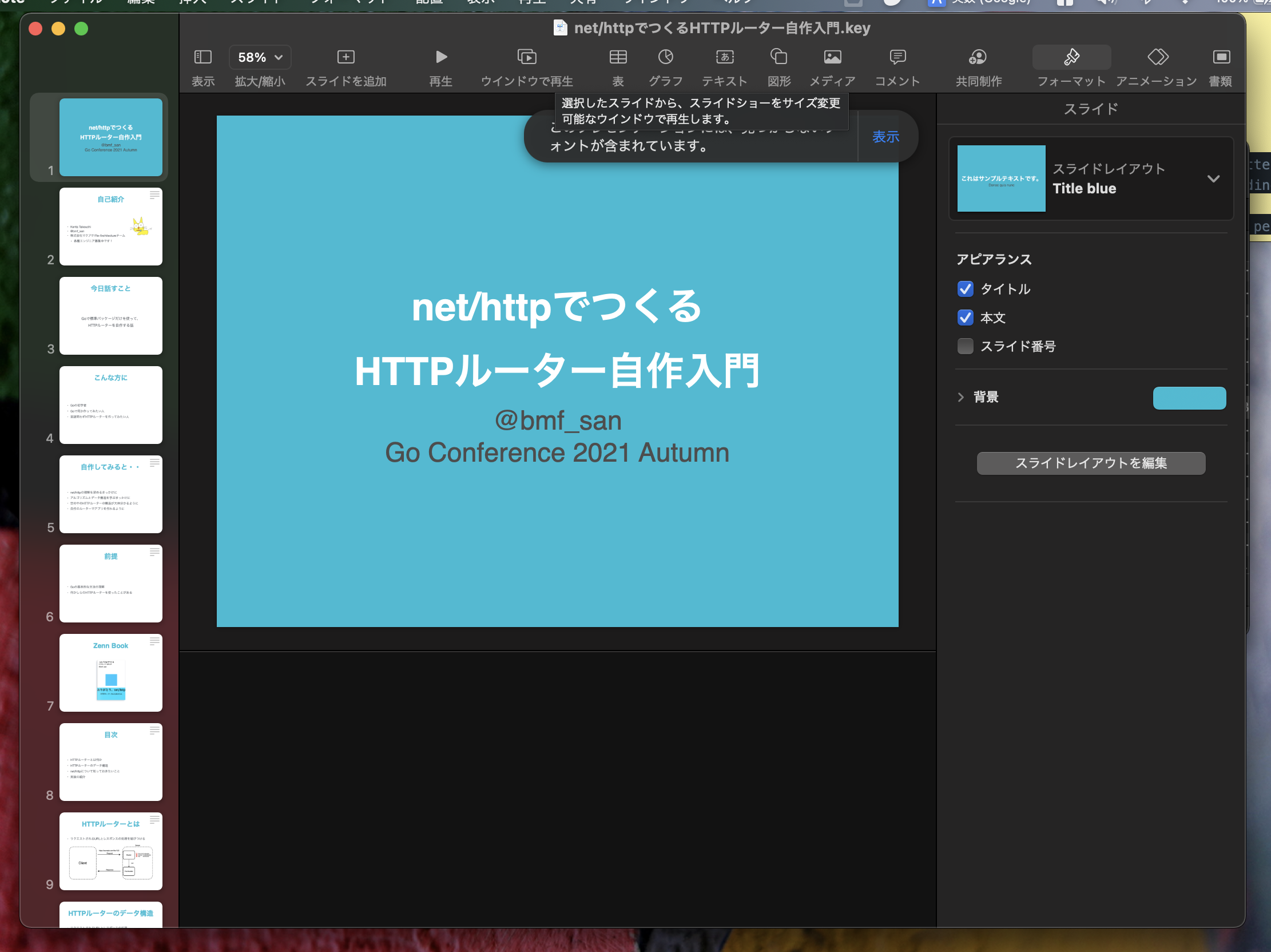
- Open your presentation in Keynote. Click Play in Window.
-
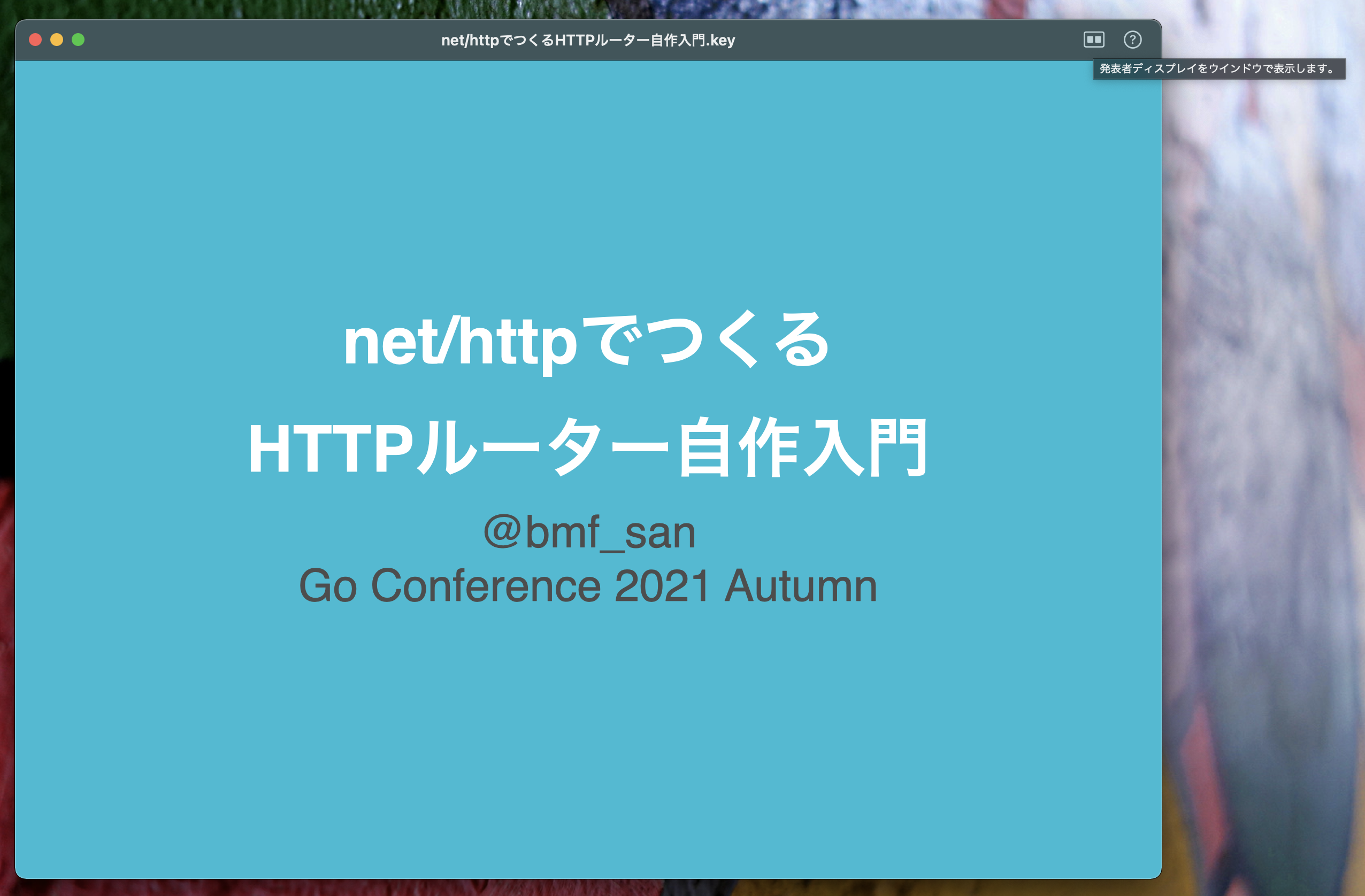
In the top right of the playing window, click Show Presenter Display in Window.
-
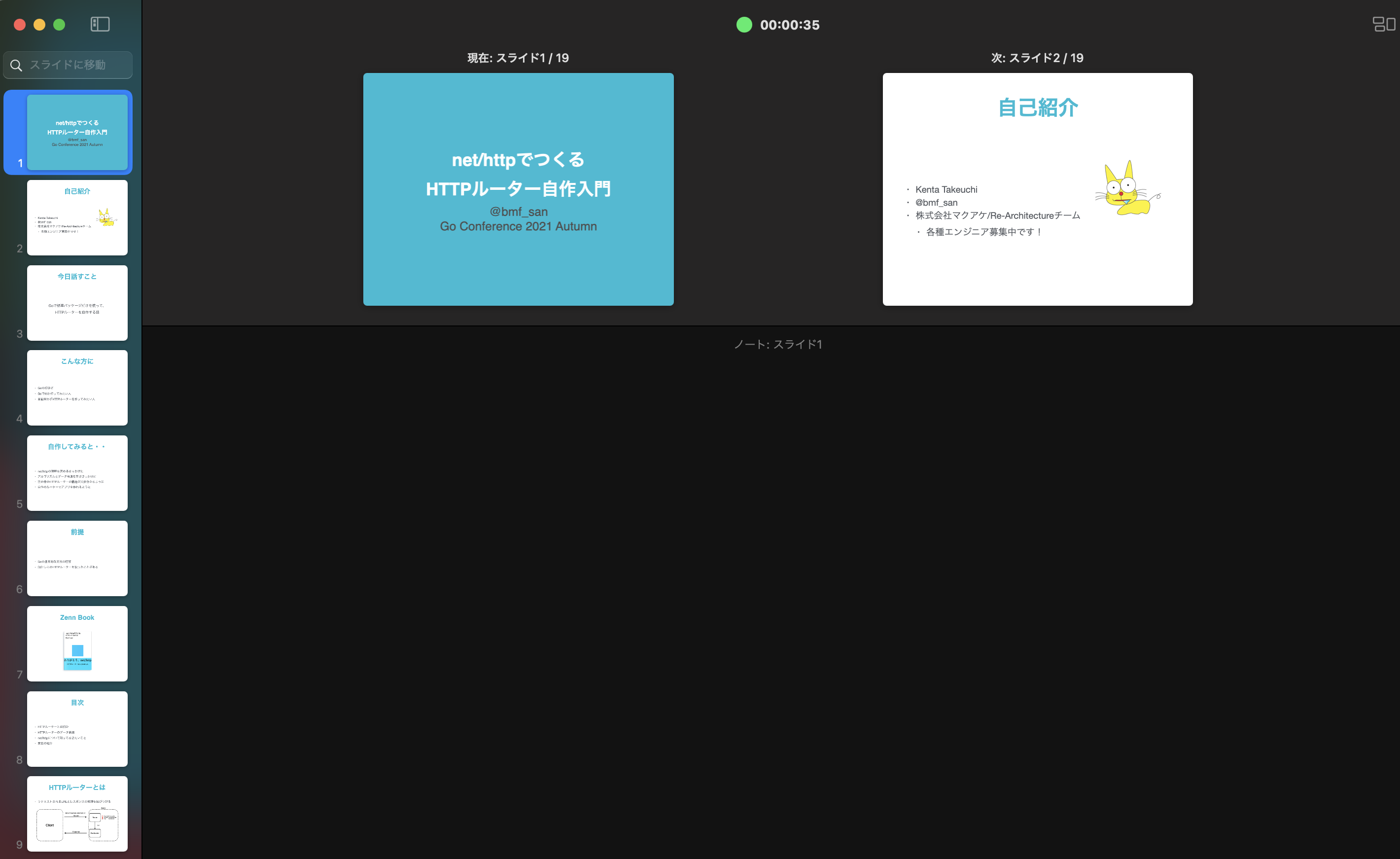
Confirm that the presenter display is visible.
-
In StreamYard, go to Share > Share Screen > Window, and share the playing slideshow.
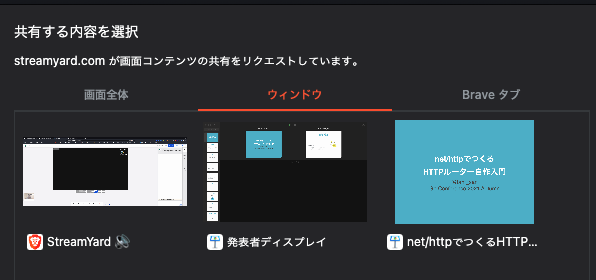
You can share the playing slideshow on one display while viewing the presenter display on the other.